Parental control for iPhone and iPad
Guide your children through their digital life.
SafeKids uses Apple's Screen Time features to manage your children's iPhone and iPad simply and transparently.
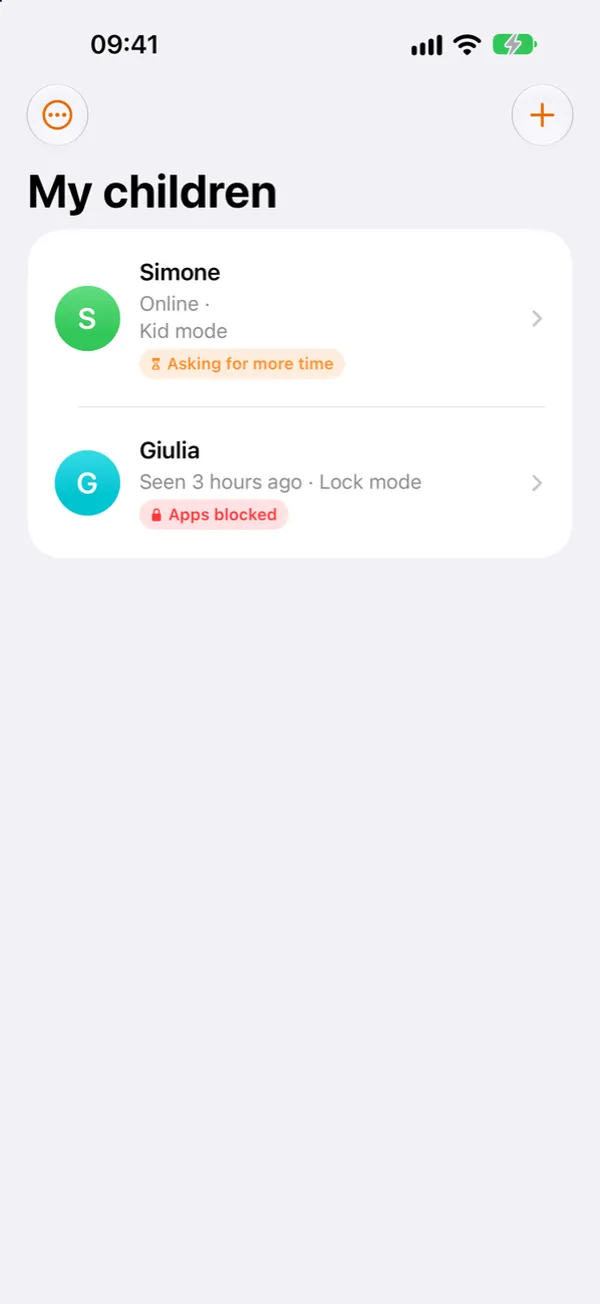
- No subscription
- No ads
- No servers
- Data in your iCloud
Time and schedules
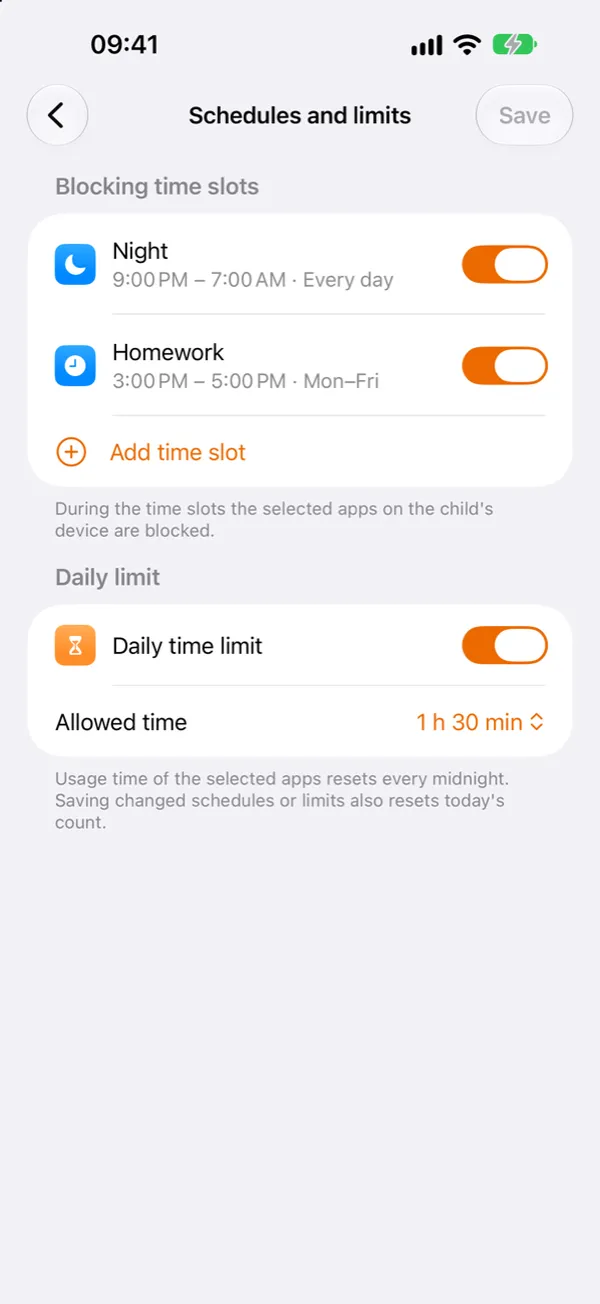
Decide when apps can be used and for how long. Rules keep working even when your child's phone is offline.
- Time slots for bedtime and homework
- A daily limit on the apps you choose
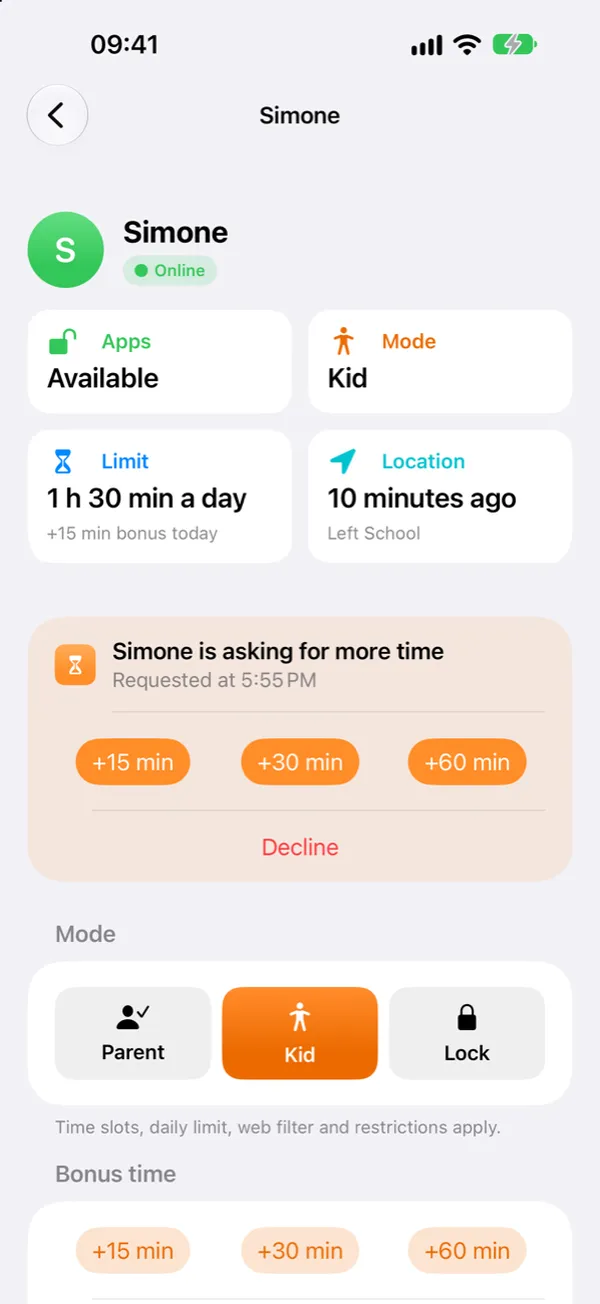
- Requests for more time: answer with a tap
Location and zones
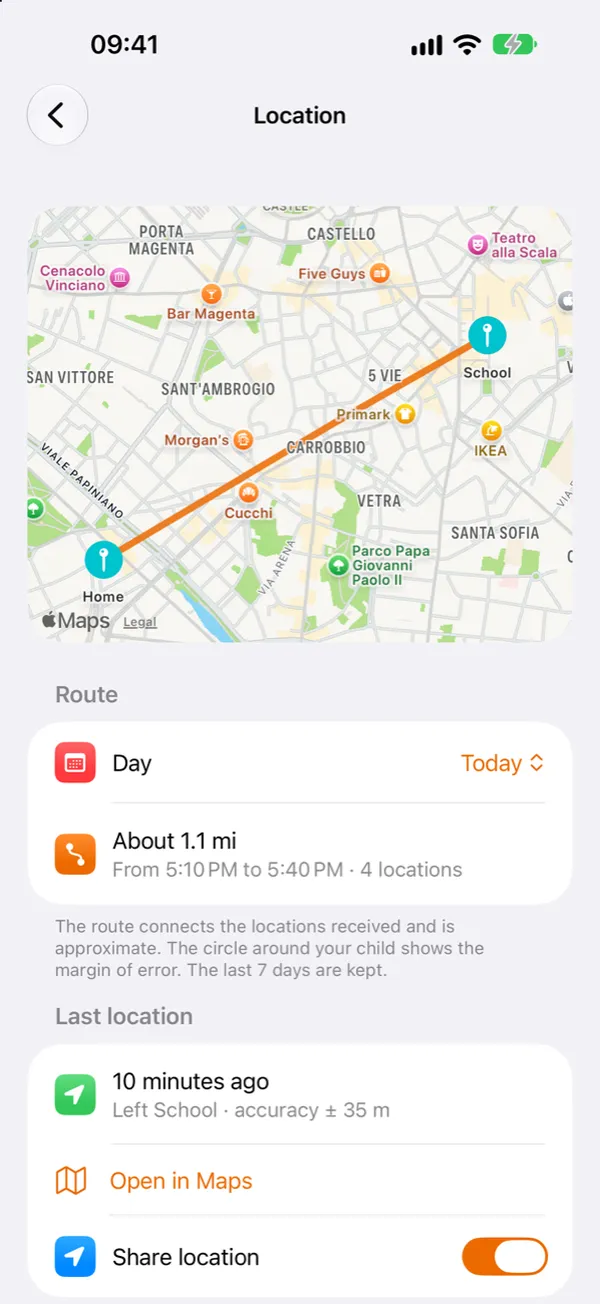
Know where your child is and get an alert when they arrive home or at school.
- Last location with its margin of error
- Route over the last 7 days on the map
- Alerts on arriving at and leaving zones
Transparent with your children
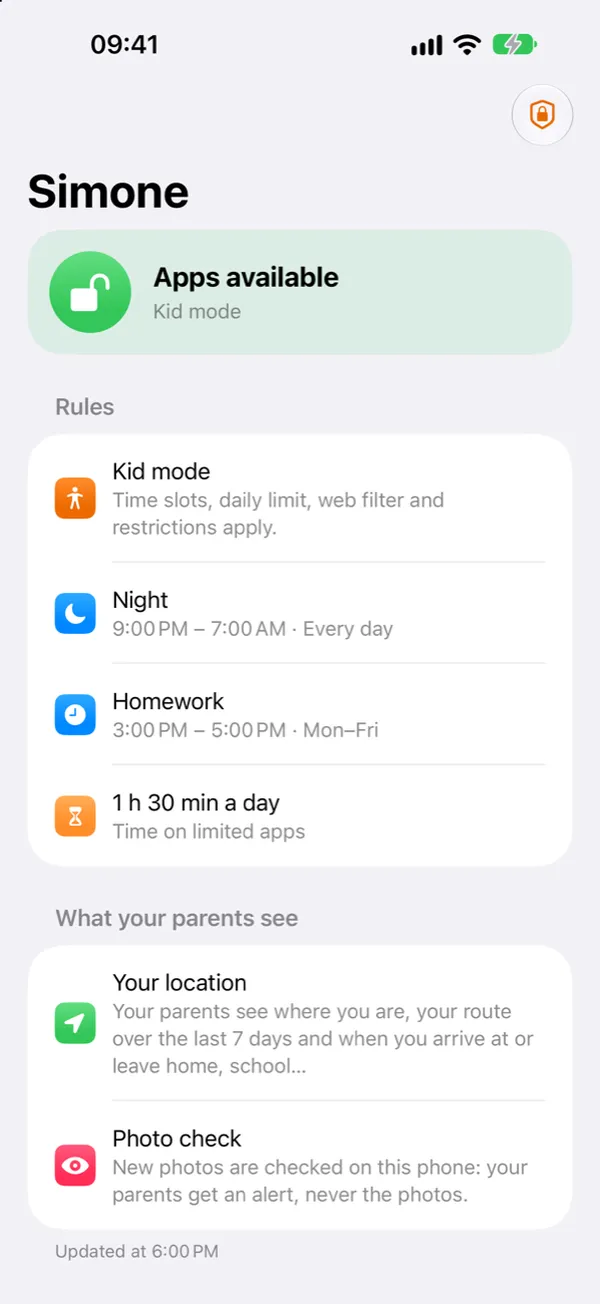
On their phone, your child always sees which rules are on and what their parents can see. No hidden monitoring.
- Rules and schedules always visible
- Clear about what is shared
- Messages, photos and history stay private
And also
Web filter
Adult websites filtered and websites blocked by your choice.
Block mode
Block apps right away, for example at dinner or before bed.
Restrictions
In-app purchases and app installs under control.
Two parents
Invite the other parent with a QR code and manage your children together.
Photo alerts
Photos are checked on your child's phone and are never sent anywhere.
Family Sharing
With Family Sharing, one purchase covers the whole family.
Your data stays in the family.
SafeKids has no servers and doesn't ask you to create an account. Rules and locations travel only between your family's devices and your iCloud: the developer can't see them.
Read the privacy policyReady in three steps
- 1
Install SafeKids
On your iPhone, choose Parent and add your child.
- 2
Connect their phone
On your child's phone, choose Child, allow Screen Time and scan the QR code.
- 3
Set the rules
Schedules, limits, web filter and location: rules reach their phone automatically.

Ready to start?
Works on iPhone and iPad with iOS 16 or later.
Download on the App Store €0.99 · one-time purchase · no subscription